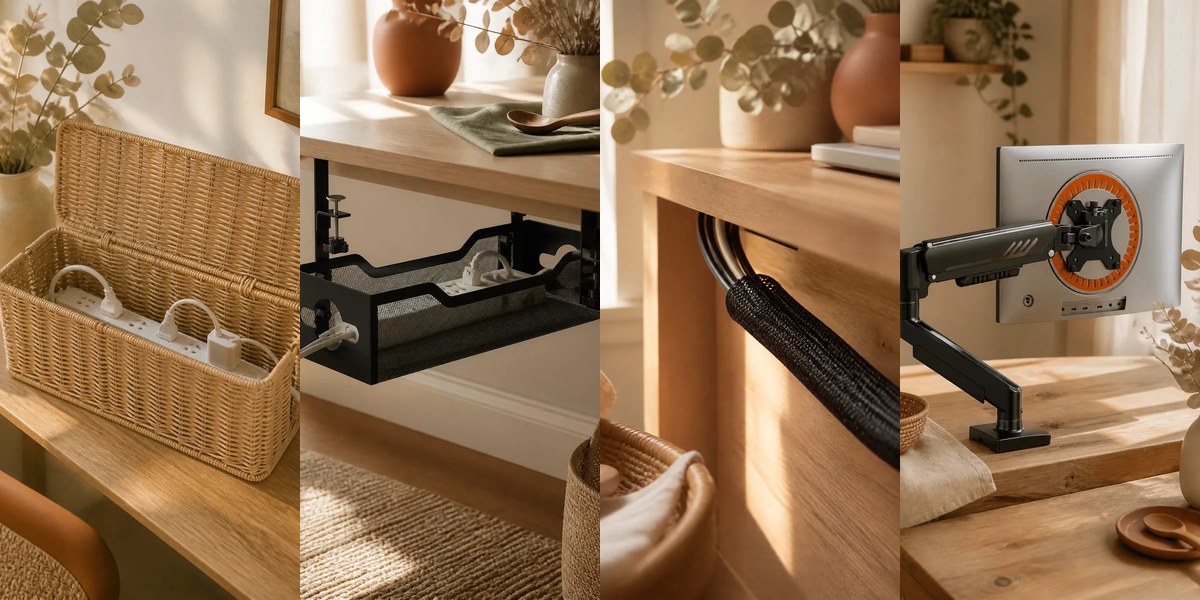

A tidy desk is mostly about two things: where the cables go and what lives on the surface. Fix those and the whole setup looks deliberate. These ten upgrades are small, mostly inexpensive and easy to install, and they suit both a gaming setup and a plain work desk.
Before you buy: prices and stock change often, so we do not list prices. Use the links to check current options and read recent reviews. This guide contains affiliate links, so we may earn a commission if you buy through them, at no extra cost to you.
Start with the cables
Before you buy anything, unplug and trace the cables. Decide which ones you need and which can go. Then group them by where they run: to the wall, to the monitor and to the desk. Measure the length of runs so you can pick clips and sleeves that fit.
Cable management
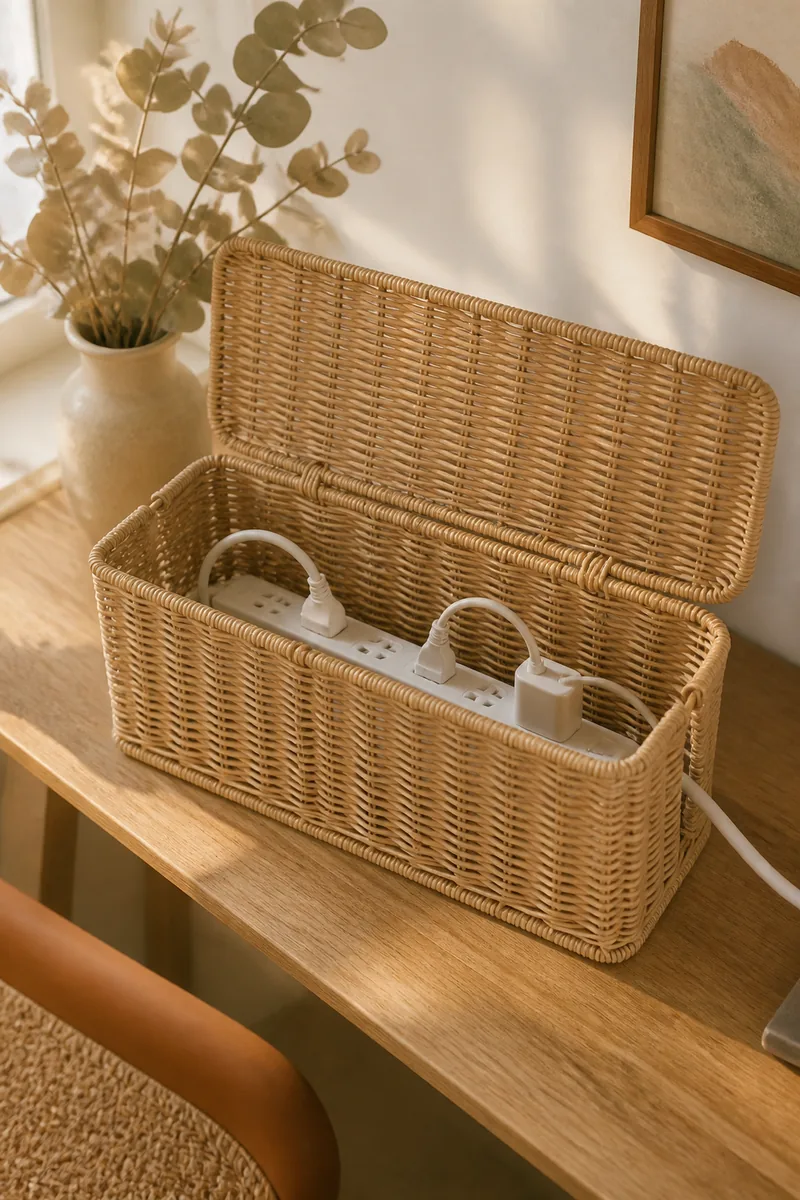
A cable management box
A box encloses the power strip and plugs, which are the ugliest part of most setups. It also keeps dust off. Make sure your power strip fits inside.
 (opens Amazon in a new tab)
See our pick: cable management boxes (opens Amazon in a new tab)
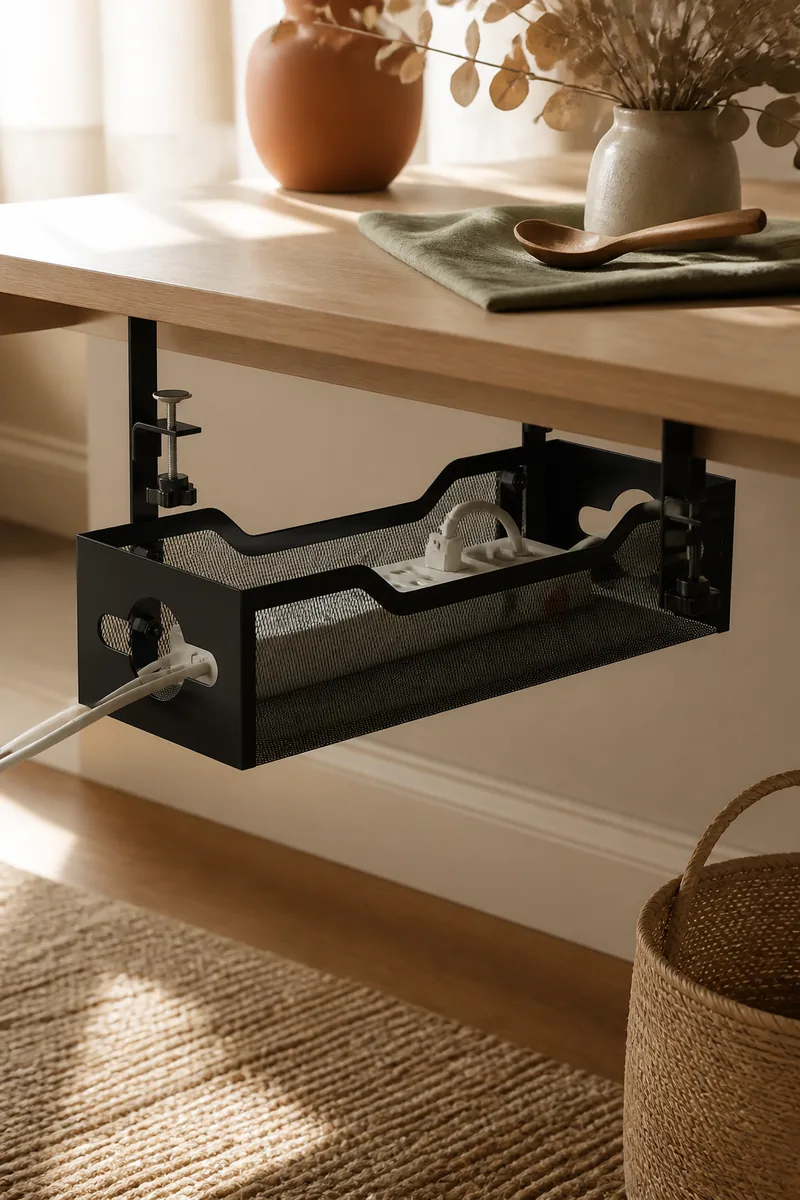
An under-desk cable tray
A tray mounts under the desk and holds the power strip and loose cable length out of sight. It keeps cords off the floor. Check that it fits your desk's thickness and that you can screw into the underside.
 (opens Amazon in a new tab)
See our pick: under-desk cable trays (opens Amazon in a new tab)
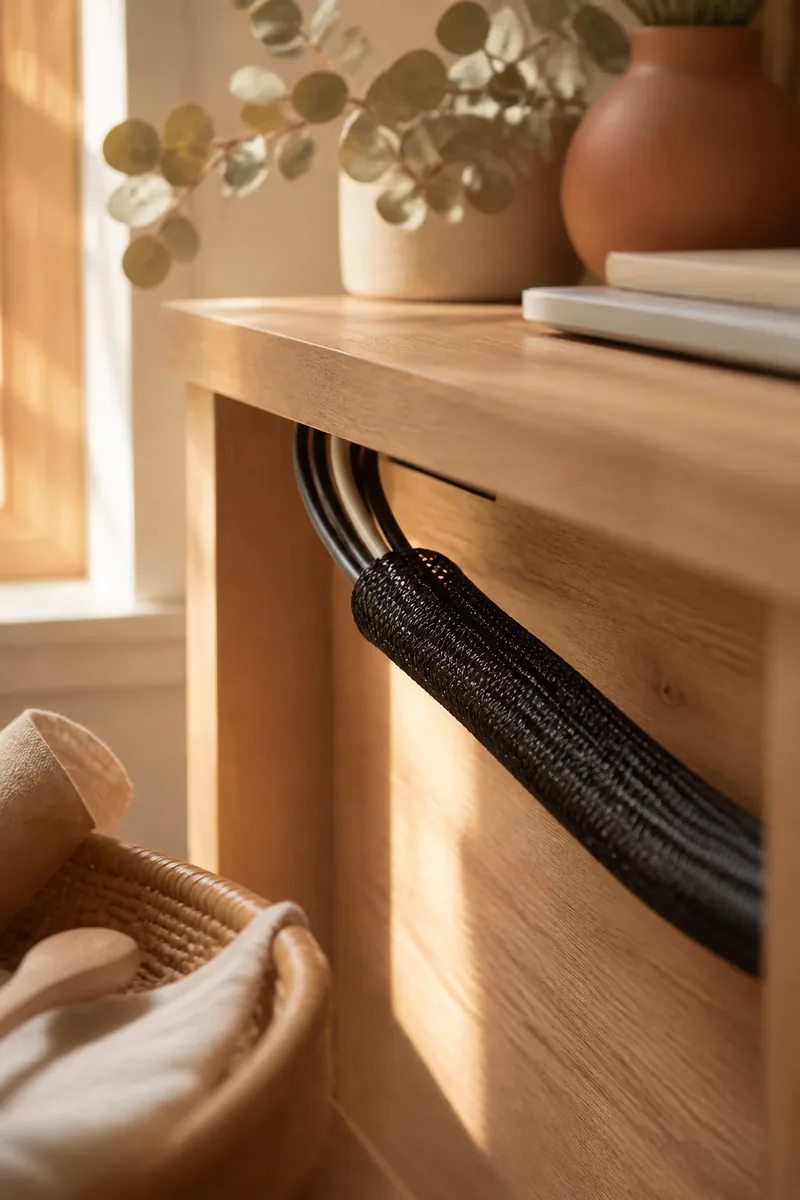
A cable sleeve
A split sleeve wraps around a bundle of loose cables and turns them into one tidy line, and you can open it to add or remove a cable later. It suits runs along the desk leg or wall. Pick a diameter that fits all your cables.
 (opens Amazon in a new tab)
See our pick: cable sleeves (opens Amazon in a new tab)
Adhesive cable clips
Tiny clips stop cables falling behind the desk, and keep a charger within reach. They stick best on clean, smooth surfaces.
 (opens Amazon in a new tab)
See our pick: cable organizers (opens Amazon in a new tab)
Surface and screen
A monitor stand
Raising the screen to eye level is easier on your neck and creates storage space below. Check the weight rating and width.
 (opens Amazon in a new tab)
See our pick: monitor stands (opens Amazon in a new tab)
A desk mat
A mat gives the keyboard and mouse a smooth surface and protects the desk. It makes the setup look finished. Measure the desk before buying.
 (opens Amazon in a new tab)
See our pick: desk mats (opens Amazon in a new tab)
A desk organizer set
Trays and a pen holder give the small items a home. Choose a style that matches the desk and does not take too much space.
 (opens Amazon in a new tab)
See our pick: desk organizer sets (opens Amazon in a new tab)
Charging and audio
A wireless charger
A pad on the desk means one fewer cable to manage. Check that your phone supports wireless charging.
 (opens Amazon in a new tab)
See our pick: wireless charging pads (opens Amazon in a new tab)
A charging station
One dock keeps all your devices charged in one place and avoids a tangle of adapters. Check that it supports the devices you own.
 (opens Amazon in a new tab)
See our pick: charging stations (opens Amazon in a new tab)
A headphone stand
A stand gets headphones off the desk and protects the headband. It is a small touch that makes a setup look complete. Pick a stable base so it does not tip.
 (opens Amazon in a new tab)
See our pick: headphone stands (opens Amazon in a new tab)
Finish
Do the cables first, then the surface. Once everything has a place, clearing the desk takes seconds, and the setup stays tidy.